



Mobile Poker App for Real Money Games During Short and Long Sessions
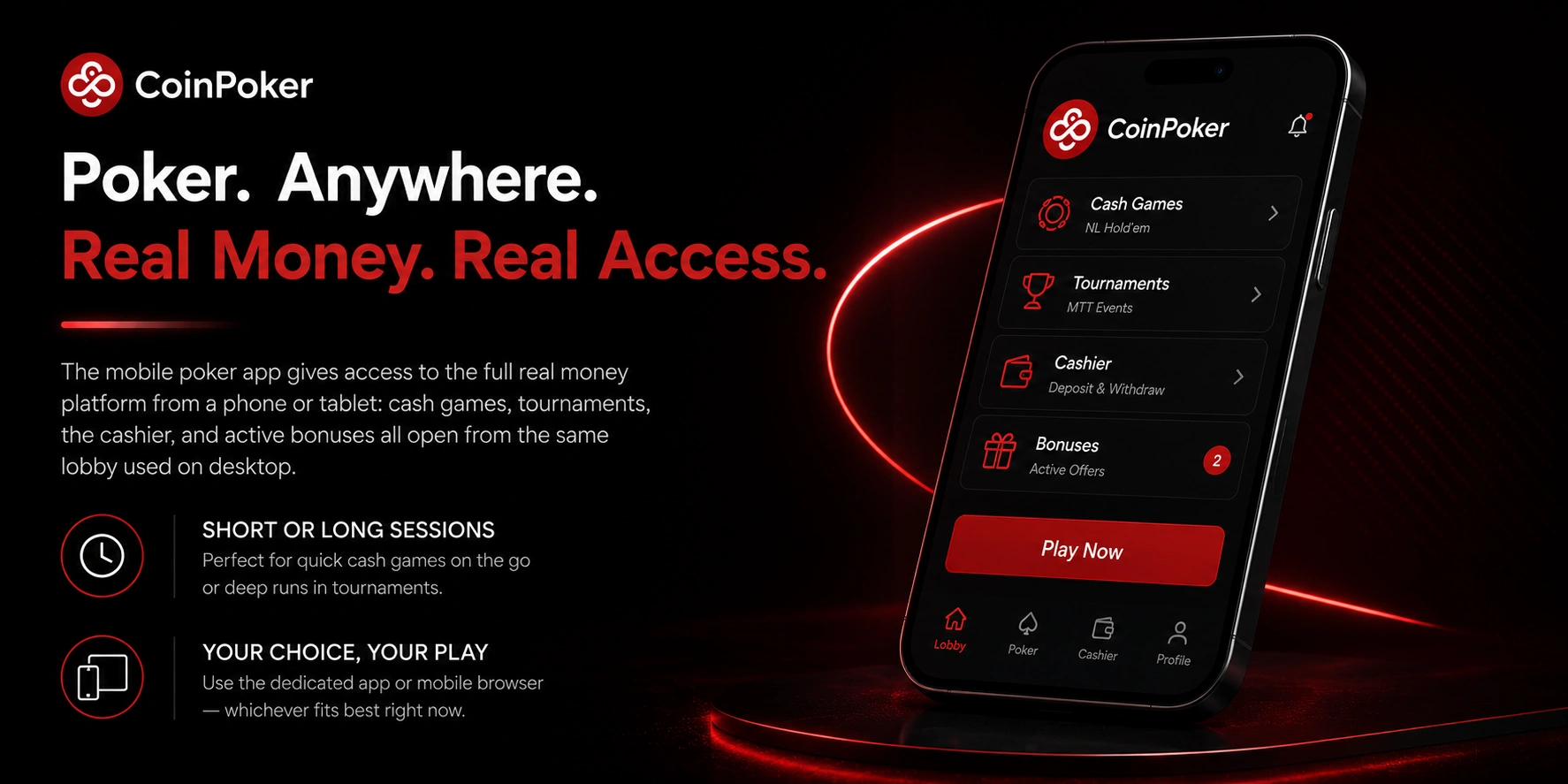
The mobile poker app gives access to the full real money platform from a phone or tablet: cash games, tournaments, the cashier, and active bonuses all open from the same lobby used on desktop. The app suits both short sessions – a quick cash game while away from a desk – and longer sessions where a player follows a tournament through to the later stages. Players can choose between the dedicated app or a mobile browser, depending on which fits the device better at a given time. Players can use the CoinPoker online platform directly in a browser without installing the app.
Cash Games and Tournaments Available From the Poker Lobby
Once logged in on mobile, the poker lobby lists active cash tables and the tournament schedule in the same layout used on desktop. A few elements that carry over directly to the mobile session:
- Cash tables – filtered by stake level and format, with seats joinable directly from the lobby;
- MTT registration – tournaments can be registered for and played through from a mobile connection;
- Stable connection handling – the app is built to maintain a table connection during normal mobile network conditions;
- Fast account access – login credentials carry over from desktop, so returning to the lobby on mobile takes only the standard sign-in step.
iPhone and iPad Poker App Installation Through the Official Download Page
Installing the poker app on iPhone or iPad starts on the official CoinPoker iOS Download page, opened through Safari or Chrome on the device:
- Open the official download page in Safari or Chrome on the iPhone or iPad;
- Select the iOS download option and download the iOS software package;
- Open device Settings, navigate to General → VPN & Device Management, and confirm trust for the Enterprise App;
- Open the installed app and log in, or register a new account if one does not exist yet;
- Confirm the email address sent during registration to activate full access to the poker lobby.
The Enterprise App trust step is required because the app is distributed outside the App Store – without confirming it in device settings, the installed app will not open. Once trust is confirmed and the account is logged in, the poker lobby, cashier, and tournament schedule are available the same way as on desktop.
Android Poker App Installation From a Mobile Browser
Installing on Android also starts from the official download page, opened in any mobile browser:
- Open the official download page in the device’s mobile browser;
- Select the Android download option – the app file downloads directly from the site rather than through an app store;
- Open the downloaded installation file from the device’s file manager or downloads list;
- Allow the install to complete – the app is compatible with both Android phones and tablets;
- Open the app, log in with the registered account, and start a cash game or tournament from the lobby.
CoinPoker Download Android works the same on phones and tablets, with the lobby layout adjusting to the available screen size. The installation file replaces the need for an app store listing, so updates are also delivered through the same download page.
Browser Poker Access When Full App Installation Is Not Needed
Installing an app is not required to play – the platform runs directly in a mobile browser on both iOS and Android. This suits situations where installing software is not convenient, such as a shared or work device, or when a player wants to try the platform before installing anything.
- Open the platform in Safari, Chrome, Firefox, or another mobile browser;
- Register using an email address and password, or log in to an existing account;
- Confirm the email address if registering for the first time, then proceed to the poker lobby.
Instant Play for iOS and Android Poker Sessions
Instant play opens the poker lobby, cashier, tournament schedule, and cash games directly in the browser tab, without a separate desktop client or installed app. It is functionally the fastest way to reach a table – open the page, log in, and join a cash game or register for an upcoming tournament from the same lobby used across all other access methods.
Desktop Poker Software for Stable Windows and Mac Play
CoinPoker Download for desktop covers both Windows and macOS, with a dedicated software client built for longer poker sessions on a larger screen. The desktop client is suited to:
- Multi-tabling – running several cash tables or tournament tables side by side, arranged across the available screen space;
- Tournament play – following an MTT through multiple hours with a stable connection and consistent table layout;
- Cash games – extended sessions at one or more tables without the screen-size constraints of a mobile device;
- Cashier access – deposits, withdrawals, and balance management available in the same window as the poker lobby.
The desktop client mirrors the account state used on mobile – balance, active tournament registrations, and bonus progress are the same regardless of which client was used to log in last.
Account Login, Cashier and Poker Balance Inside the App
After installation, account access follows the same steps across every client:
- Log in with the registered email address and password;
- If logging in for the first time on a new install, confirm the email address if this step has not been completed yet;
- Open the cashier from the wallet icon in the main interface;
- Use the cashier to deposit, withdraw, and select the display currency for the poker balance;
- Return to the lobby with the poker balance updated and ready for cash games, MTTs, or available promotions.
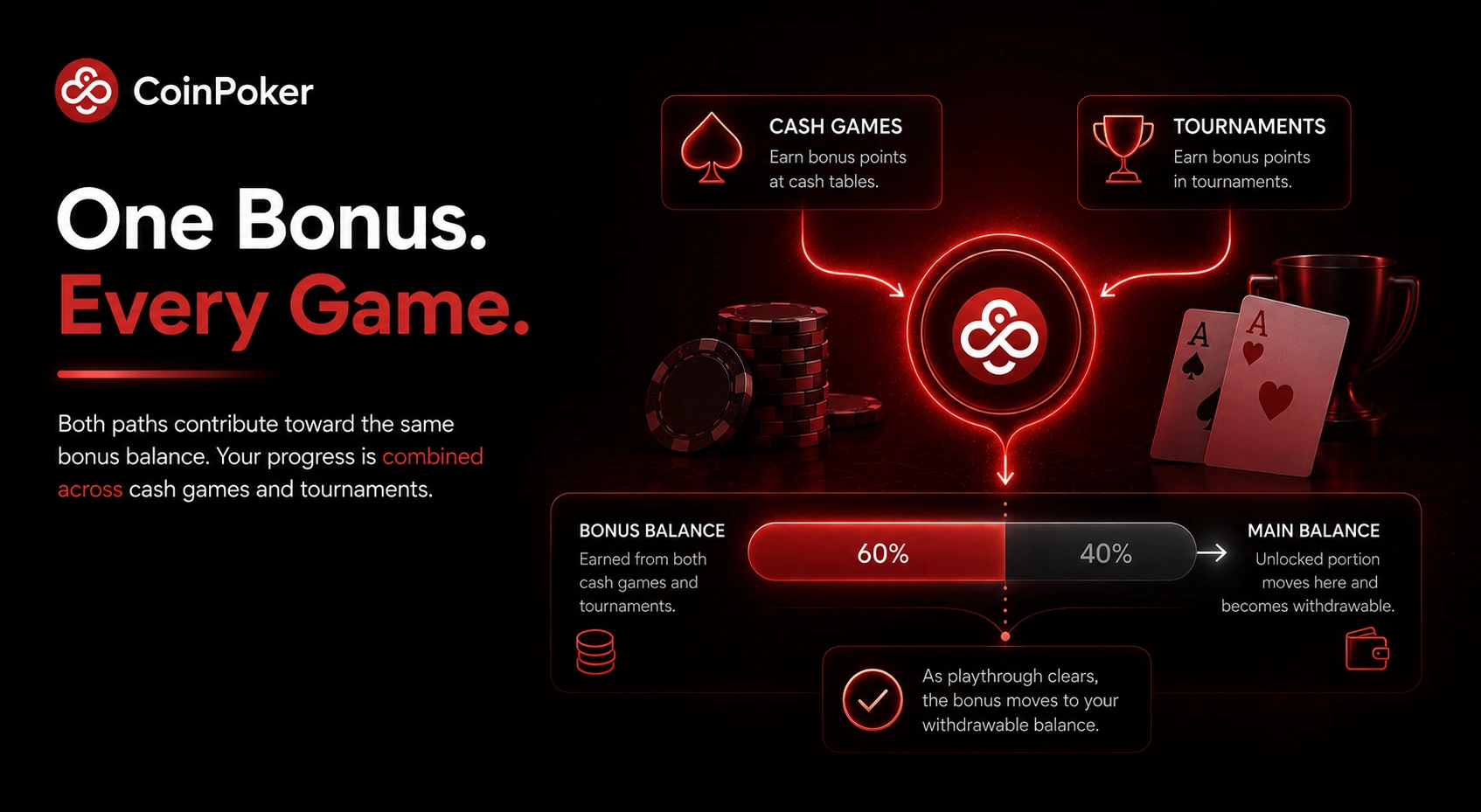
The poker balance shown in the app reflects funds available for real money poker across cash games and tournaments, plus any bonus balance still unlocking. The cashier, wallet icon, and balance display are consistent across the iOS, Android, Windows, macOS, and browser versions, so switching between them does not require re-checking account details each time.